






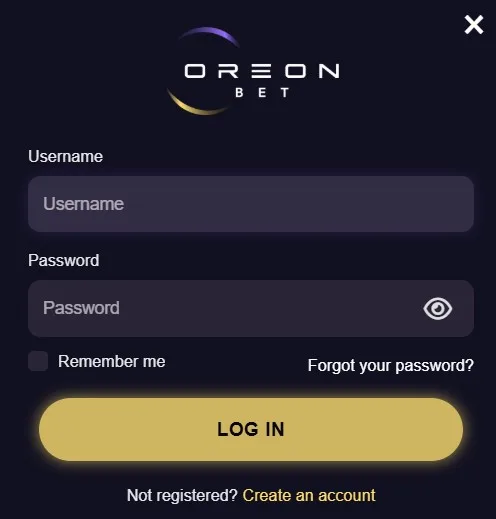
How to sign in to Oreon Bet
Our Live Chat is available 24/7 when you need help accessing your registered account. On Oreon Bet, use the login control to start the sign-in process.
1. Open the official site and select the login control. 2. Enter the email address registered to your account. 3. Enter your password and submit your details. 4. Check that your email address and password match your account records.
Use the same registered email address each time you sign in. We keep account access linked to those details.
Forgot your Oreon Bet password?
Use the “Forgot password” recovery flow from the sign-in area. Enter your registered email address and follow the recovery instructions we send.
If you still cannot access your account, contact us through Live Chat 24/7. You can also email us at support@oreonbet.com for account-access assistance. Include your registered email address so we can locate your request.
Why sign-in can fail
We check your account status when you submit your sign-in details. Access can fail for these reasons:
- Your email address or password is incorrect.
- Your email address has not been verified.
- Your account has an active self-exclusion.
Complete email verification before trying again. An active self-exclusion restricts account access for its selected period.
Account security
Only enter your details on the official Oreon Bet site. Never share your password with another person or through messages.
Use a private device or browser session when possible. Sign out after using a shared device. Visit Oreon Bet About Us if you need to confirm you are contacting us through an official channel.